
Every environment is different: managed laptops, personal phones and tablets, IoT devices,sensors, legacy hardware, and more. Portnox Cloud supports every onboarding method your environment needs, while maintaining the same zero trust enforcement principles.
No matter how a device joins, Portnox knows it’s there, knows its posture, and acts automatically if something changes.
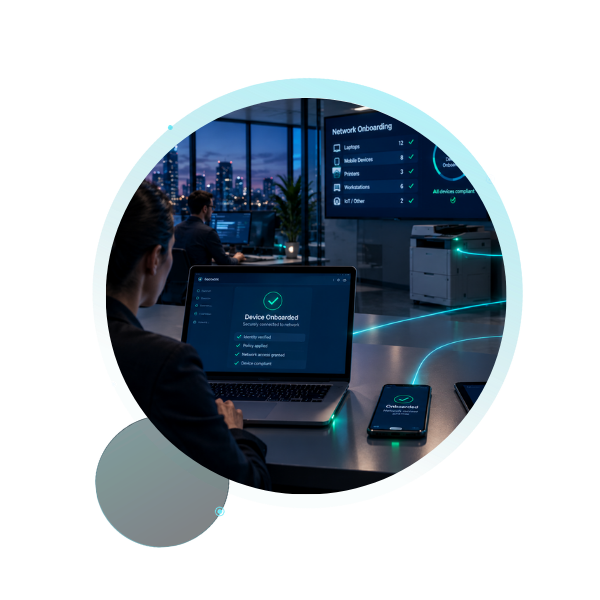
Portnox Connect delivers zero-footprint, self-service onboarding built for BYOD and other unmanaged devices. Users authenticate and Portnox Connect handles the rest: certificate installation, network configuration, and policy-based access assignment.
Unlike standalone onboarding tools, Portnox Connect does not leave a persistent agent on your device. Even after you delete the executable file, the device stays tied to a Portnox Cloud account: visible, policy-enforced, and revocable at any time.
For managed endpoints where continuous visibility matters, AgentP provides deep posture assessment and automated compliance checks throughout the device lifecycle, not just at first connection.
Once installed, AgentP continuously monitors device health, enforces compliance policy, and remediates automatically when a device drifts out of policy. Security teams get real-time visibility. IT teams get automated remediation without manual intervention.
Supports Windows, macOS, iOS, Android, and Linux.
AgentP is lightweight; its persistent presence makes real-time enforcement possible. Policy violations trigger a response the moment AgentP detects it, not just on the next scan or audit cycle.

“Who was on our network, when, and what could they reach?” With Portnox, that’s not a research project. Every guest session is authorized, time-boxed, and isolated from corporate systems. Sponsor approvals and denials are logged; terms-of-use acceptance is captured at connection, and access expires on schedule — no manual cleanup required.
Full Onboarding Coverage
Portnox Connect and AgentP are built for speed and scale, but they’re not the only paths onto the network. Here’s the full picture:
| Use case | Onboarding method | Automation |
|---|---|---|
| BYOD, long-term approved access — user self-service | Portnox Connect | High |
| Managed endpoints requiring continuous posture assessment | AgentP | High |
| BYOD, contractors, guest devices | Self-onboarding portal | Medium |
| Large managed device fleets, including Chromebooks — fully automated | UEM integration (Intune, Jamf, Google Workspace) | High |
| Windows domain environments | Group Policy (GPO) | High |
| Secure enterprise environments requiring strong authentication | Certificate-based onboarding | Medium–High |
| IoT, printers, cameras, unmanaged devices | MAC address-based (MAB) | Medium |
| Mixed environments with IoT fallback | Hybrid authentication | Medium |
| Contractors, ad-hoc access | Manual credential onboarding | Low |
| Exception handling and edge cases | Manual group assignment | Low |
Portnox integrates with the device management and identity platforms you already use: Intune, Jamf, CrowdStrike and Sentinel One, and more, so your existing agents and workflows plug directly into the same enforcement engine.









Portnox ZTNA provides fast, posture-aware, cloud-native access to SaaS and private apps.

Portnox NAC brings you a different experience: a SaaS solution purpose-built for today’s hybrid and distributed networks.

Portnox RADIUS delivers a fully cloud-hosted service that’s always available, easy to manage, and seamlessly integrated with your identity stack.

Portnox TACACS+ gives you a cloud-native, centrally managed solution that deploys instantly and eliminates infrastructure overhead.
“
”
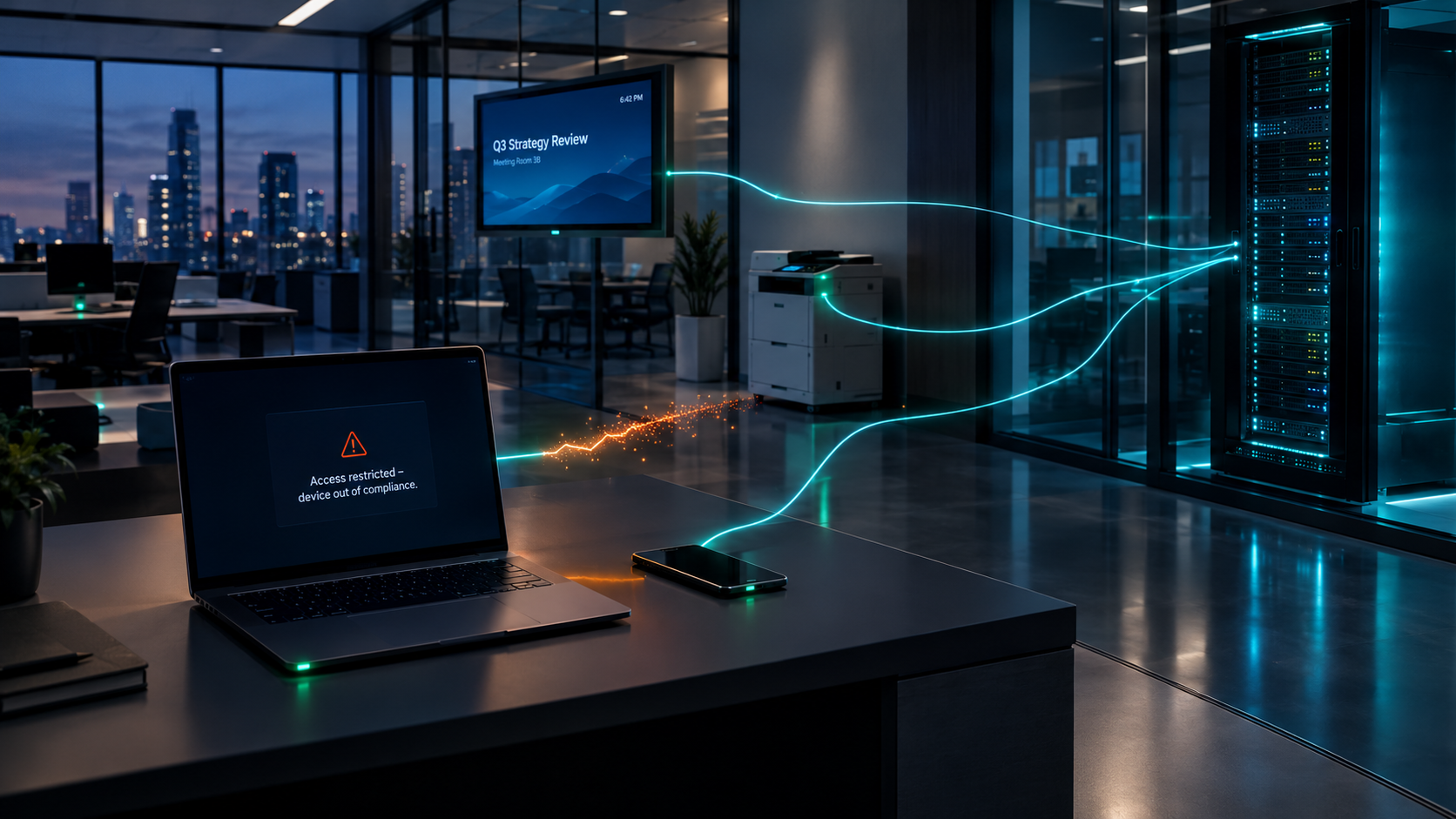
Even if a device is compliant at onboarding, any device can slip out of compliance at any time. With Portnox, every path onto your network keeps devices governed for as long as they’re connected.
PORTNOX ONBOARDING
Device onboarding is the process of getting a device — a laptop, phone, tablet, IoT sensor, or anything else — securely connected to your network and correctly configured for the access it’s allowed to have. It matters because onboarding is the first checkpoint in a zero trust approach: a device that’s onboarded incorrectly, or not verified at all, is a device your security policy can’t actually see or enforce against. Getting onboarding right is what makes everything downstream — posture monitoring, policy enforcement, compliance — possible in the first place.
It depends mainly on three things: who owns the device (company-managed vs. personal/BYOD), how long that device or user needs access (a semester, a long-term contract, ongoing employment, or a one-time visit), and how many devices you’re onboarding at once.
As a general starting point: BYOD and personal devices with long-term approved access fit Portnox Connect; company-managed fleets fit AgentP or UEM integration; IoT and unmanaged hardware fit MAC-based onboarding; and short-term or anonymous access belongs to Guest Access Management rather than any of the device-onboarding methods on this page. Most environments end up using several methods side by side, not just one.
Portnox Connect doesn’t require installing or maintaining anything — it runs once, provisions the device, and can be deleted immediately afterward, which makes it a good fit for personal devices where you don’t want to ask users to accept a persistent agent. It also means nothing to push updates to, patch, or eventually uninstall across a fleet of devices you don’t manage. That said, it’s not a universal replacement for an agent: if you need continuous, ongoing posture monitoring on a device that’s exactly what an agent like AgentP is built for. The two are complementary, not competing, options for different situations.
You don’t need to replace it. Portnox integrates with the device management and identity platforms most organizations already have in place — Intune, JAMF, Google Workspace, and others — so an existing agent-managed fleet can onboard through that integration rather than adopting a new one. The one thing to avoid is running Portnox Connect on a device that’s already managed by another agent or UEM solution: both will try to configure the network adapter, and the settings can conflict. For already-managed devices, onboard through the UEM integration path instead.
Guest access is for short-term, typically anonymous visitors — someone who needs the internet for an afternoon, not ongoing access to corporate resources. That’s handled by Guest Access Management.
Contractor access is different: it’s for people who need real, ongoing access to corporate systems for a longer engagement, the same way an employee or student would. Contractors are onboarded the same way any other long-term, approved identity is — through methods like Portnox Connect or the self-onboarding portal, using a standard Portnox account.
Yes — most organizations do. It’s common to onboard managed laptops through AgentP or UEM integration, personal devices through Portnox Connect, IoT devices through MAC-based onboarding, and guests through a separate guest access flow, all at once. Every method feeds the same policy engine, so devices are governed consistently no matter which path they came in through. The only rule to watch is not layering multiple onboarding methods on the same device — for example, don’t run Portnox Connect on a device that’s already managed by AgentP or a UEM tool.
That’s what manual group assignment and manual credential onboarding are for — they’re the fallback paths for edge cases and exceptions that don’t map cleanly to an automated method. They take more hands-on setup than the automated options, but they mean there’s no device your team is stuck unable to onboard at all.




After completing the form, an email will be sent to you with the report download link.