

Secure, self-service guest Wi-Fi access with flexible verification, centralized management, and complete session auditing.

Stand up a guest Wi-Fi network in minutes. SMS verification, sponsored access, or admin-issued credentials — pick the flow that fits each location and let guests onboard themselves from any device, with nothing to install. Captive Portal carries your logo and a customizable acceptable-use statement; your front desk stops playing helpdesk, and your IT team gets valuable time back.
When guest access lives in your Wi-Fi controller, every site is its own island — separate configs, separate rules, separate blind spots. Define a guest policy once and enforce it across every location and wireless vendor. See, extend, expire, and revoke any guest session across your entire footprint from a single console.
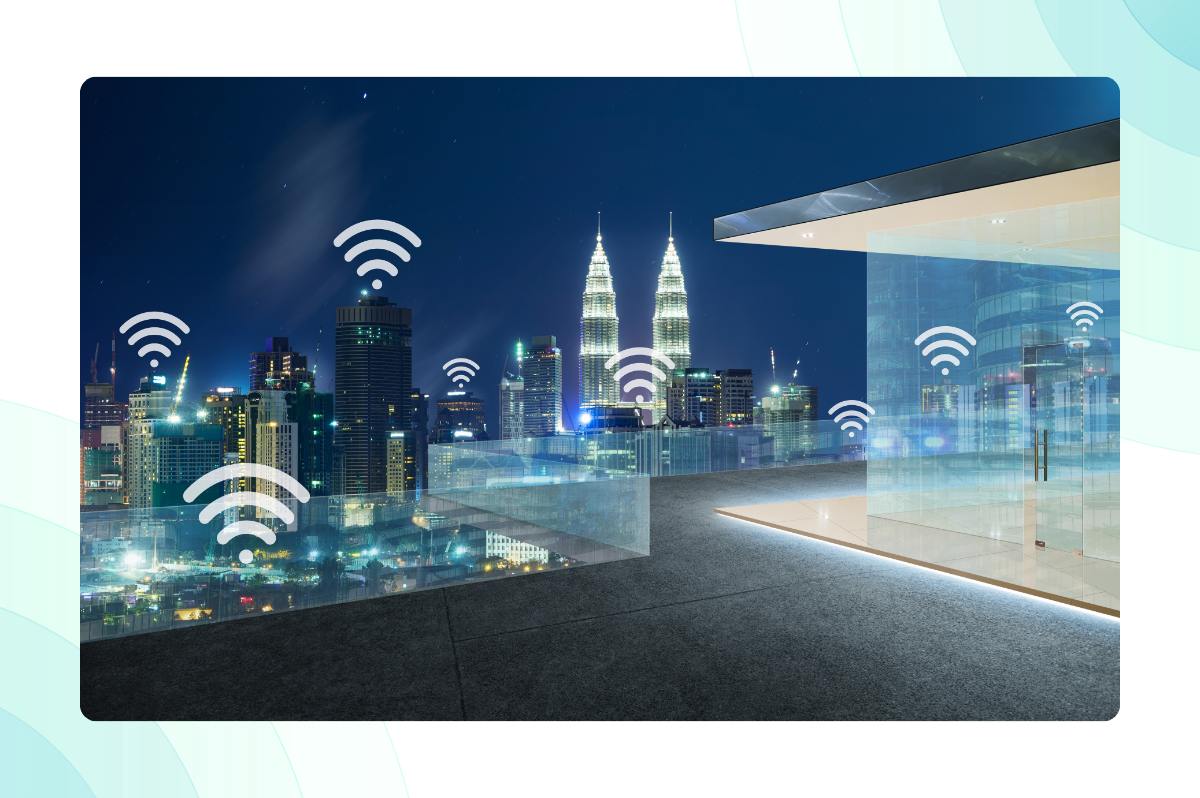

“Who was on our network, when, and what could they reach?” With Portnox, that’s not a research project. Every guest session is authorized, time-boxed, and isolated from corporate systems. Sponsor approvals and denials are logged; terms-of-use acceptance is captured at connection, and access expires on schedule — no manual cleanup required.
No rip-and-replace. Portnox plugs into your existing wireless infrastructure and manages every portal, policy, and session centrally from the cloud, even across mixed-vendor estates. Same platform, one less system to babysit.








Patients, families, and visiting clinicians expect Wi-Fi; HIPAA expects separation. Give visitors seamless access while keeping clinical systems and PHI segmented — with the audit trail to prove it.

Guest Wi-Fi is part of the brand experience — instant onboarding across every store or property while keeping payment environments cleanly segmented.

Campus visitors, events, applicants, and a sea of unmanaged devices. Standardize visitor access across every building and campus without adding helpdesk tickets or shared passwords.
| Feature | Wi-Fi vendor portals | Guest Wi-Fi marketing tools | Portnox Captive Portal |
|---|---|---|---|
| What it really is | A splash page bundled with hardware | Access traded for data — connect only after opting into marketing capture, social login, or analytics tracking. | Guest access, native to a unified access control platform |
| Policy & identity | Per-controller config, session-based | Access traded for identity, guests connect only after handing over their data | Access granted, no data trade required. |
| Visibility & audit | Per-site, fragmented | Marketing analytics, not audit trails | Every session, every site, one audit trail |
“
”
Request a Portnox demo today and discover the many capabilities of our cloud-native zero trust access control and security platform.
Captive Portal
The Portnox Captive Portal is used to control access to your wireless guest guest network. Once configured, users trying to connect to your guest network will be redirected to and authenticated by the Portnox Captive Portal web application.
Note: The Portnox RADIUS service must be enabled to use the Portnox captive portal service.
Portnox Cloud delivers guest access by redirecting visitors who join your dedicated guest SSID to a cloud-hosted captive portal, where they verify their identity through self-registration, sponsor approval, or admin-issued credentials before any network access is granted. Once authenticated, guests receive time-limited, access on the guest network only, fully isolated from your corporate network while giving IT complete visibility and an audit trail of every connection.
Yes, with three of the four authentication options. SMS authentication and disclaimer-only access are fully self-service. With these options guests can either verify via a text-message code or simply accept the terms. Sponsored Guest requires approval from any employee (not IT) via email confirmation. Only the Portnox Cloud Guest option involves IT for each guest, as an administrator must manually create and deliver the credentials delivering added control
No. The Captive Portal itself is fully agentless guests authenticate and accept your acceptable-use policy directly in the browser, with nothing downloaded or installed at any point. (BYOD devices that need certificate-based network access rather than guest-style browser access can use Portnox Connect (Windows only), which also leaves nothing permanently installed — see how it works here.
The Portnox Cloud captive portal supports the following Wi-Fi controllers: Cisco, Cisco Meraki, HPE Aruba, RUCKUS Networks ZoneDirector and SmartZone, Juniper Mist, Extreme WiNG, Aerohive (legacy, now Extreme), Fortinet, Ubiquiti UniFi, and WatchGuard. Because there is no universal standard for captive portals, guest access requires one of these supported controllers — step-by-step integration guides for each are available in our documentation.
Yes. Guest management in Portnox Cloud is platform-independent, so you can manage multiple captive portals centrally regardless of which Wi-Fi controllers run the guest SSIDs at each site — the same portal, branding, authentication method, and session policies can apply everywhere. A single tenant supports multiple captive portal configurations, so you can also standardize on one portal globally or vary the experience by region or location type as needed.
Portnox Cloud keeps guest traffic on a dedicated SSID that is fully isolated from your corporate network, supporting the network segmentation PCI DSS requires to keep untrusted devices away from cardholder data environments. Every guest is individually identified and authenticated rather than sharing a generic password, and all access is time-limited, policy-controlled, and logged — giving you the audit trail to demonstrate that untrusted devices never touch in-scope systems.
Yes, access auto-expires: the Dynamic session timeout setting defines how long a guest session and account remain valid, and once it ends, the guest account is automatically deleted and the guest must re-authenticate through Captive Portal to reconnect. Best practice is to match the timeout to the visit — hours for day visitors, longer if needed — and note that for Mist, WatchGuard, and UniFi, Portnox syncs the expiration to the controller automatically, while other vendors require setting a matching session expiration on the controller side.
Guest access is short-term, policy-scoped Wi-Fi for visitors, contractors, and other non-employee users granted through the Captive Portal via self-registration, sponsorship, or admin-issued credentials, and automatically expired by policy. BYOD is different: it’s an authorized user’s personal device getting ongoing, certificate-based network access rather than a one-time guest session. For BYOD devices on Windows, Portnox Connect automates that certificate-based setup in a single run, with nothing left installed afterward. Note: Connect requires a standard Portnox account — it cannot be used with contractor accounts, so external contractors who need this path should be provisioned as standard accounts instead.
Contact Portnox Sales for pricing.
No, Captive Portal governs access to the network for guests, contractors, and BYOD devices alike — the branded portal, the policy engine, the audit trail. It’s not the mechanism that gets a specific personal device its network certificate and adapter configuration in the first place; for Windows BYOD devices, that’s what Portnox Connect automates.



After completing the form, an email will be sent to you with the report download link.